

Pomoc / Zespół
Chat and tasks with your team
Talk, share insight and hand out tasks in one place.
-
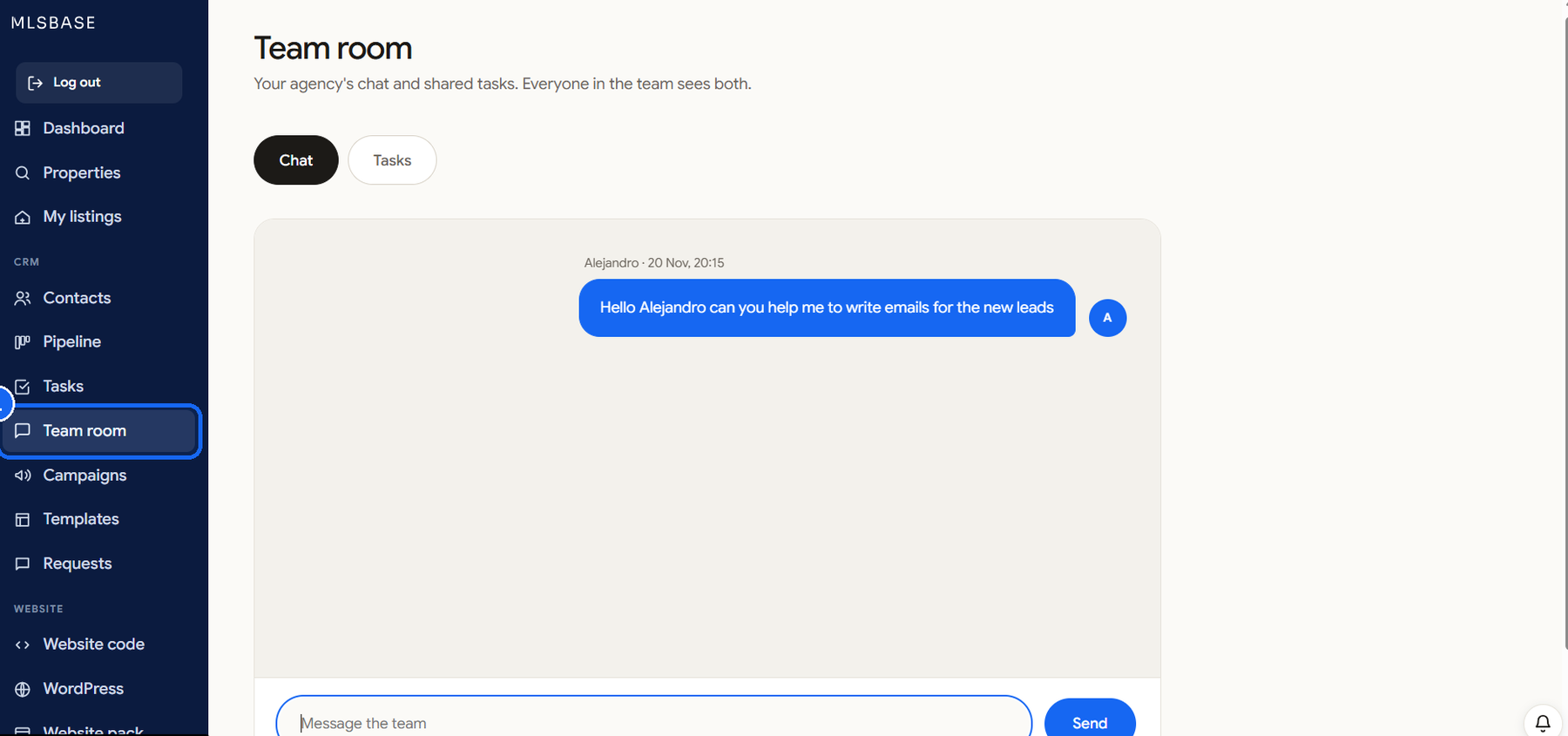
Open Team room
Click Pokój zespołu in the left menu.
-
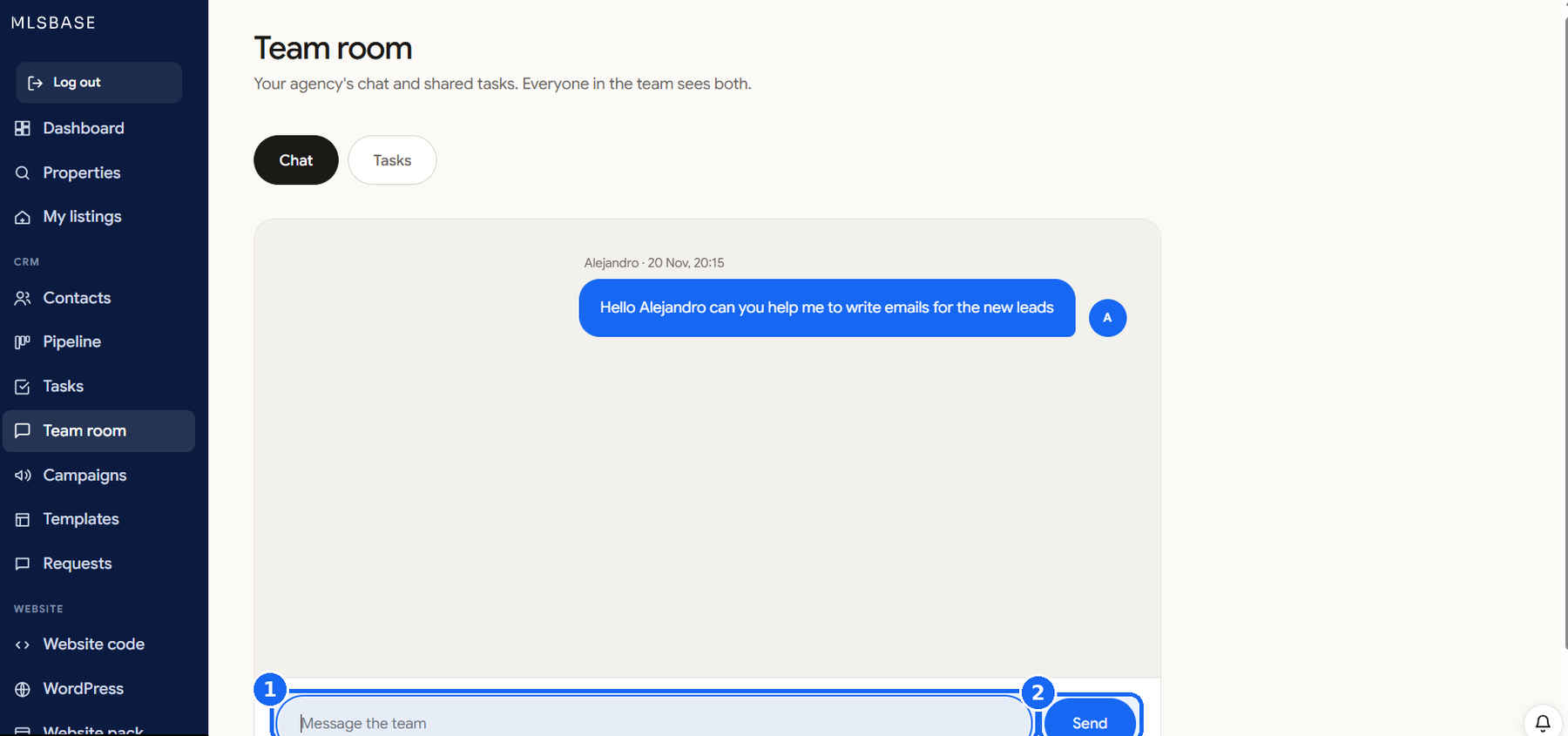
Write a message
On the Czat tab type in the box and press Wyślij. Enter sends, Shift+Enter adds a line. Everyone in your agency sees it, with your name.
-
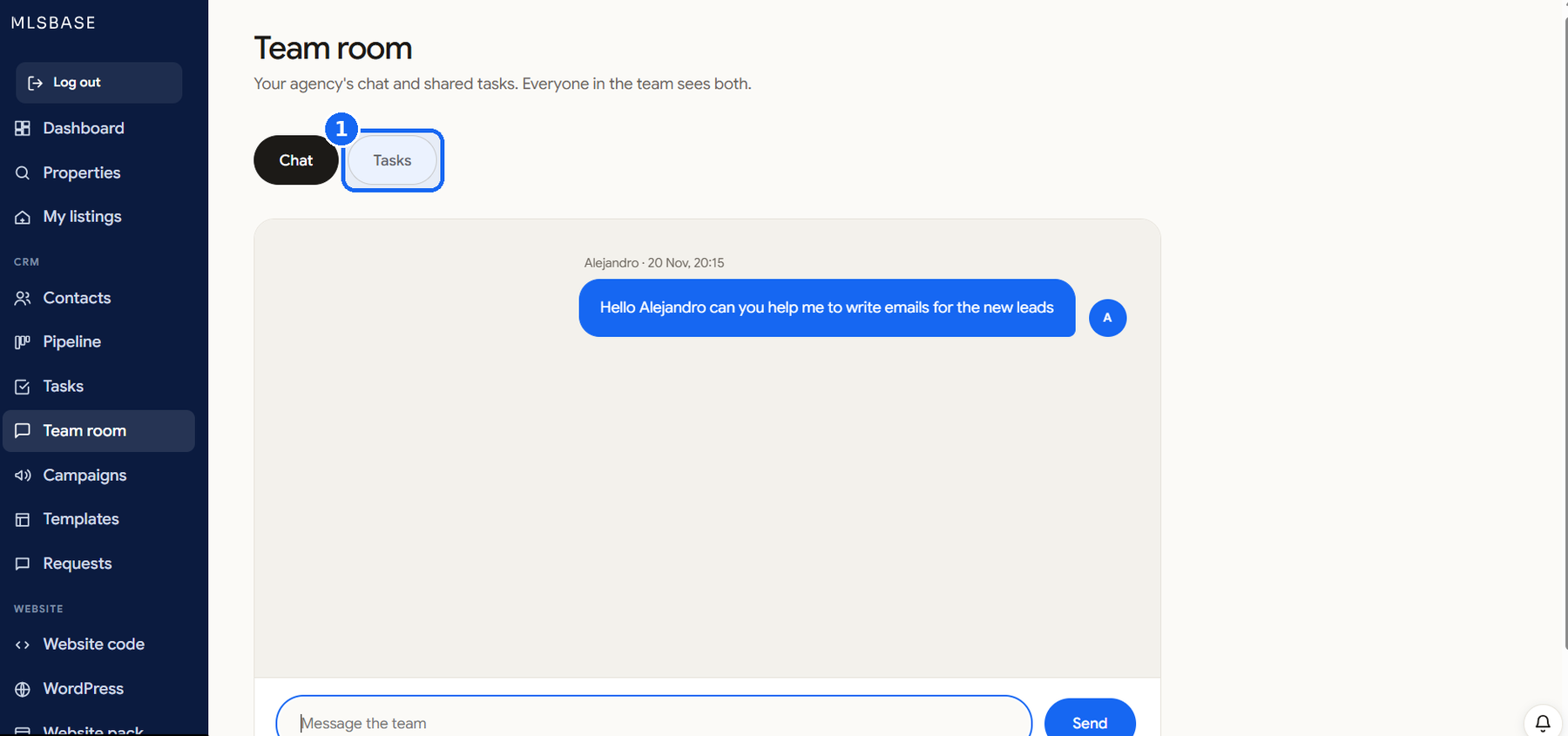
Create a shared task
Open the Zadania tab and click Nowe zadanie. Write the task, choose who does it and the date.
-
Follow the board
Everyone in the team sees the shared tasks and who is on them.