

Pomoc / Nieruchomości
Find the right property
Search by town, type, bedrooms and any price you like, on a list or a map.
-
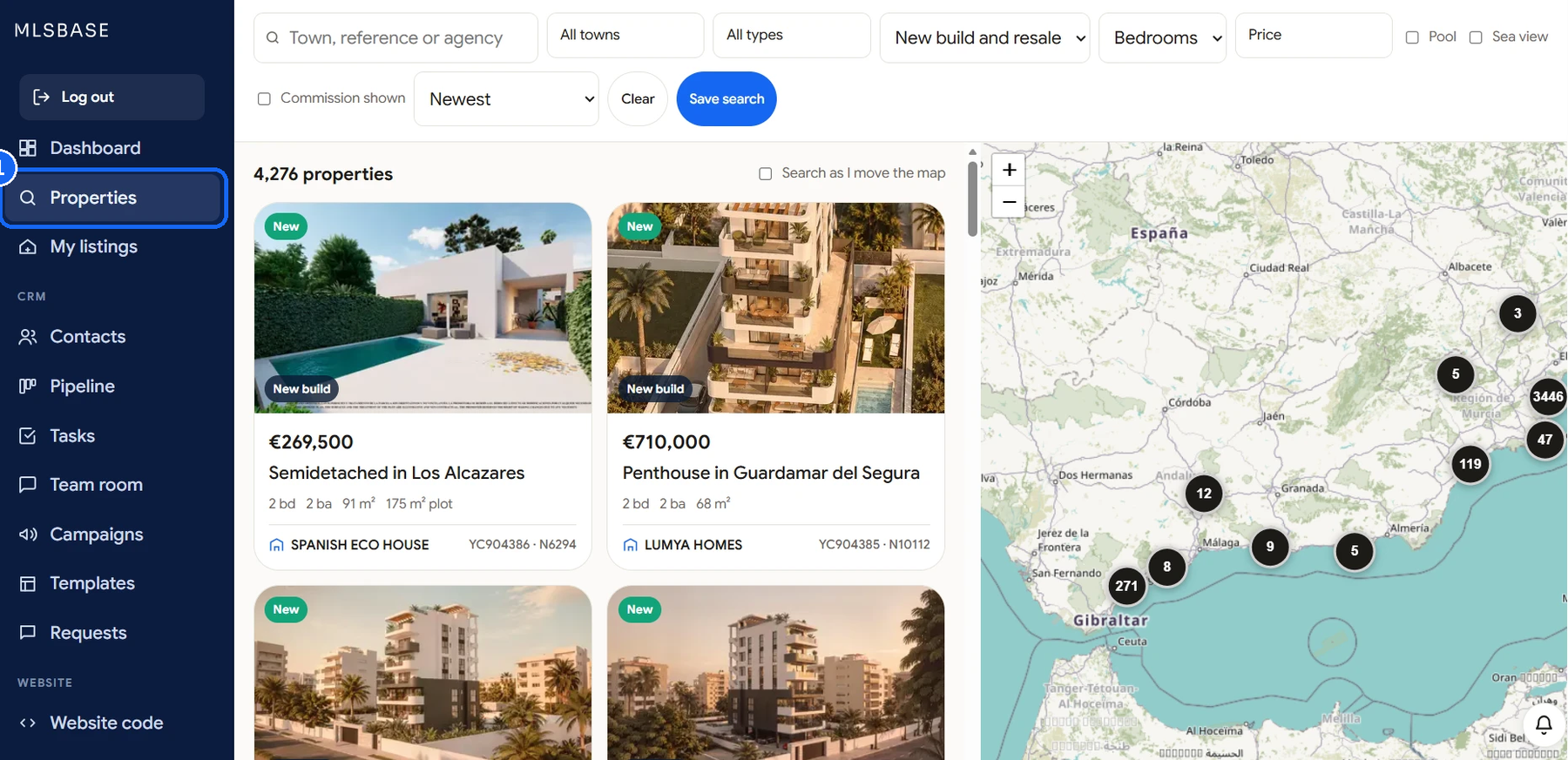
Open Properties
Click Nieruchomości in the left menu. You see every property you can show, newest first.
-
Search and choose
Type a town, a reference or an agency. Open Wszystkie miejscowości and Wszystkie typy to tick several. Choose new build or resale, and the bedrooms.

-
Set any price
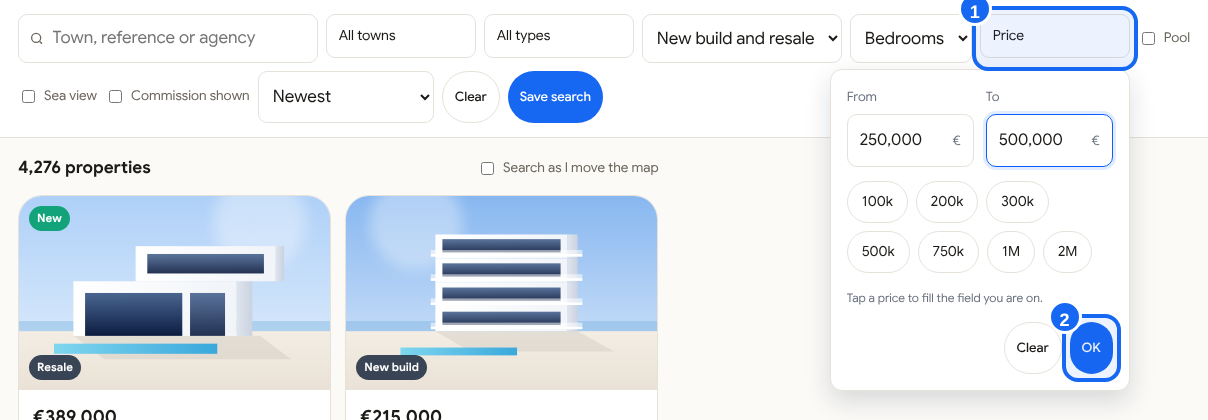
Click Cena. Type the lowest and the highest price you want, or tap a quick price, then click OK. Wyczyść removes the price.
-
Use the map
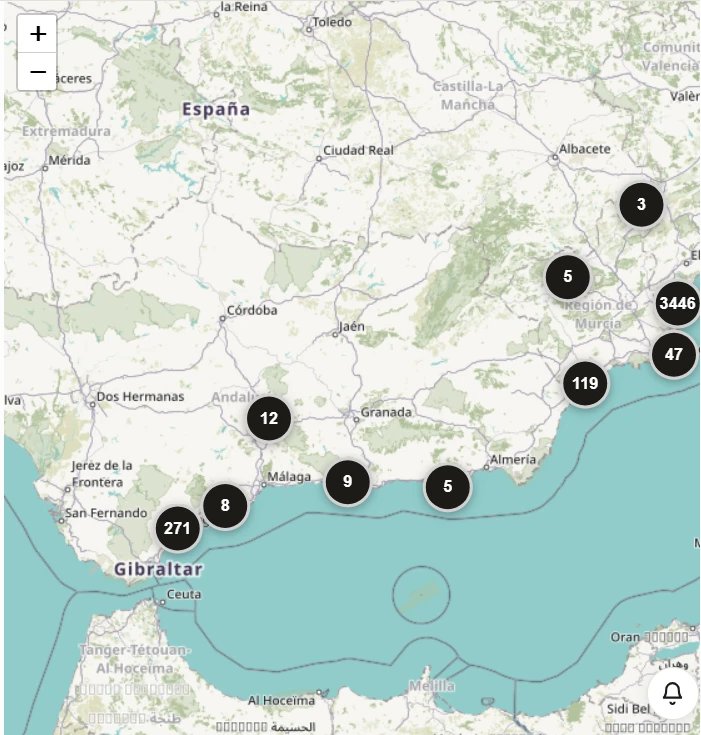
Click Mapa to see the results on a map. Tick Szukaj podczas przesuwania mapy to search the area you are looking at.
-
Save a search
Click Zapisz wyszukiwanie to come back to these filters in one click.
Good to know
The chips under the filters show what is active. Click a chip to remove it.