

Pomoc / CRM
Send a campaign
Send new listings, price drops and newsletters to your contacts in designs made for real estate.
-
Start a campaign
Click Kampanie in the left menu and start a new campaign.
-
Choose a design
Pick one of six designs: Simple email, New listing, Property selection, Obniżka ceny, Newsletter or Open house. The text under each name says what it is for.
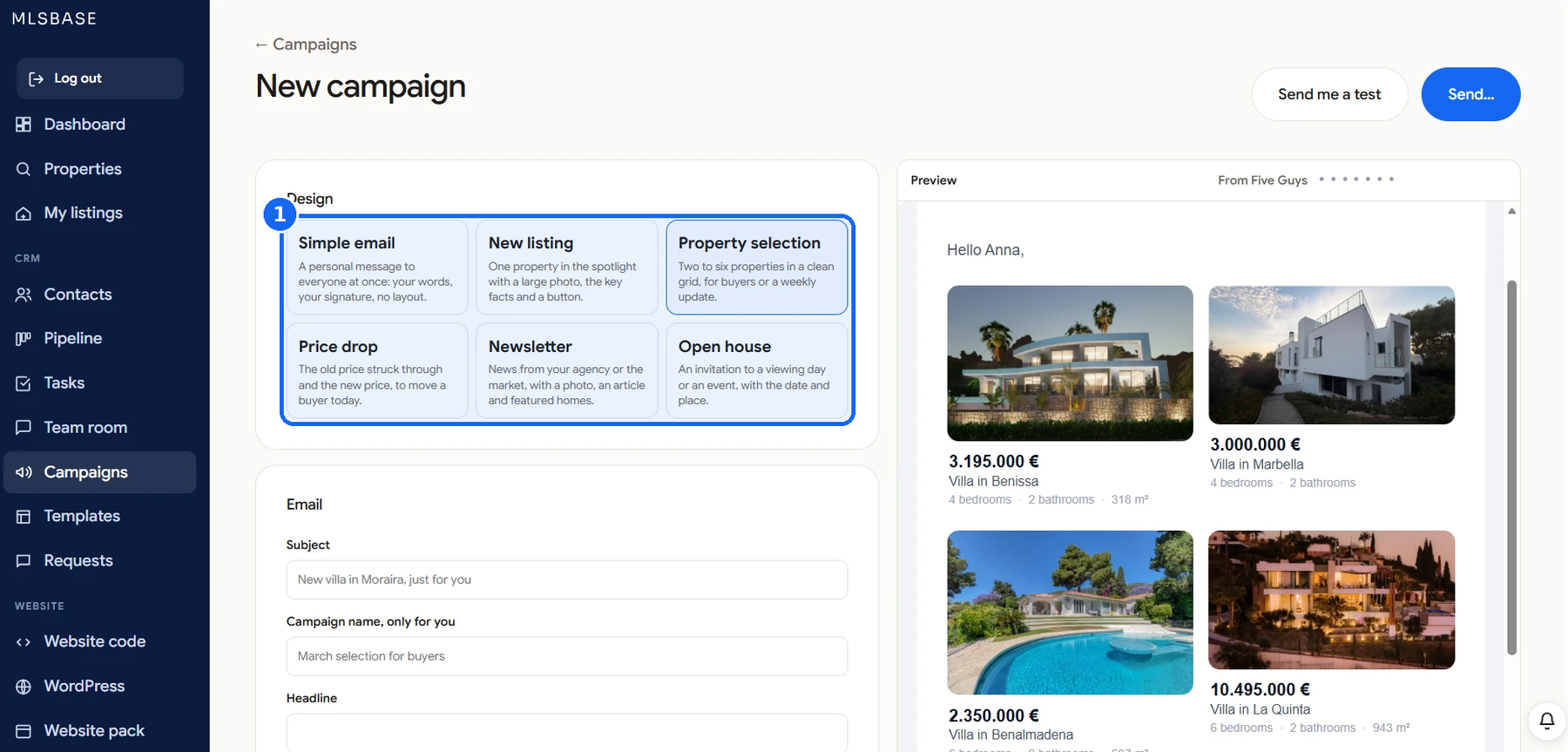
-
Write the email
Add a Temat and a Campaign name that only you see, then a Nagłówek. The Podgląd on the right shows the email as your contact will see it, with their first name filled in.
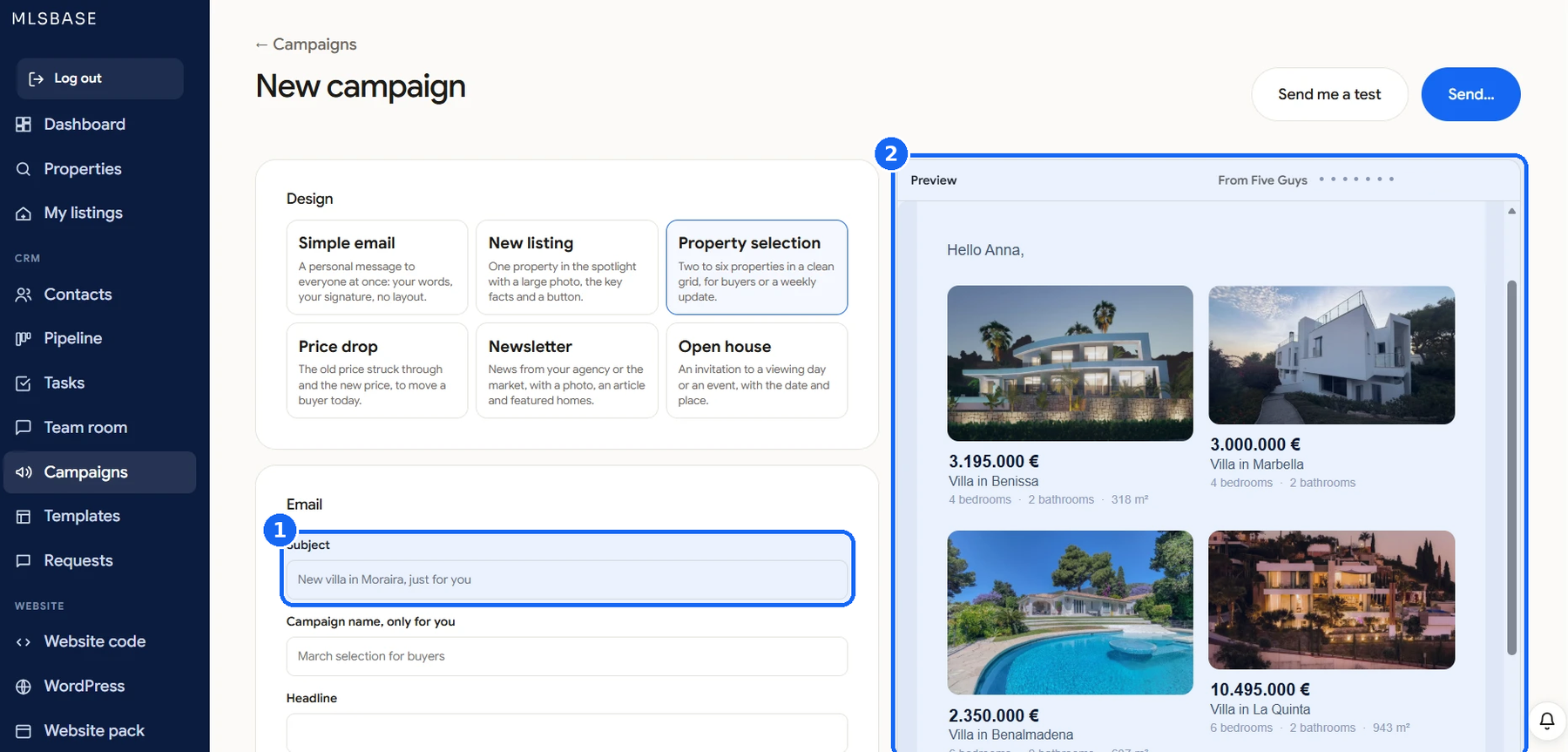
-
Test, then send
Click Wyślij mi test to receive it yourself first. When it looks right, click Send... and choose who gets it.
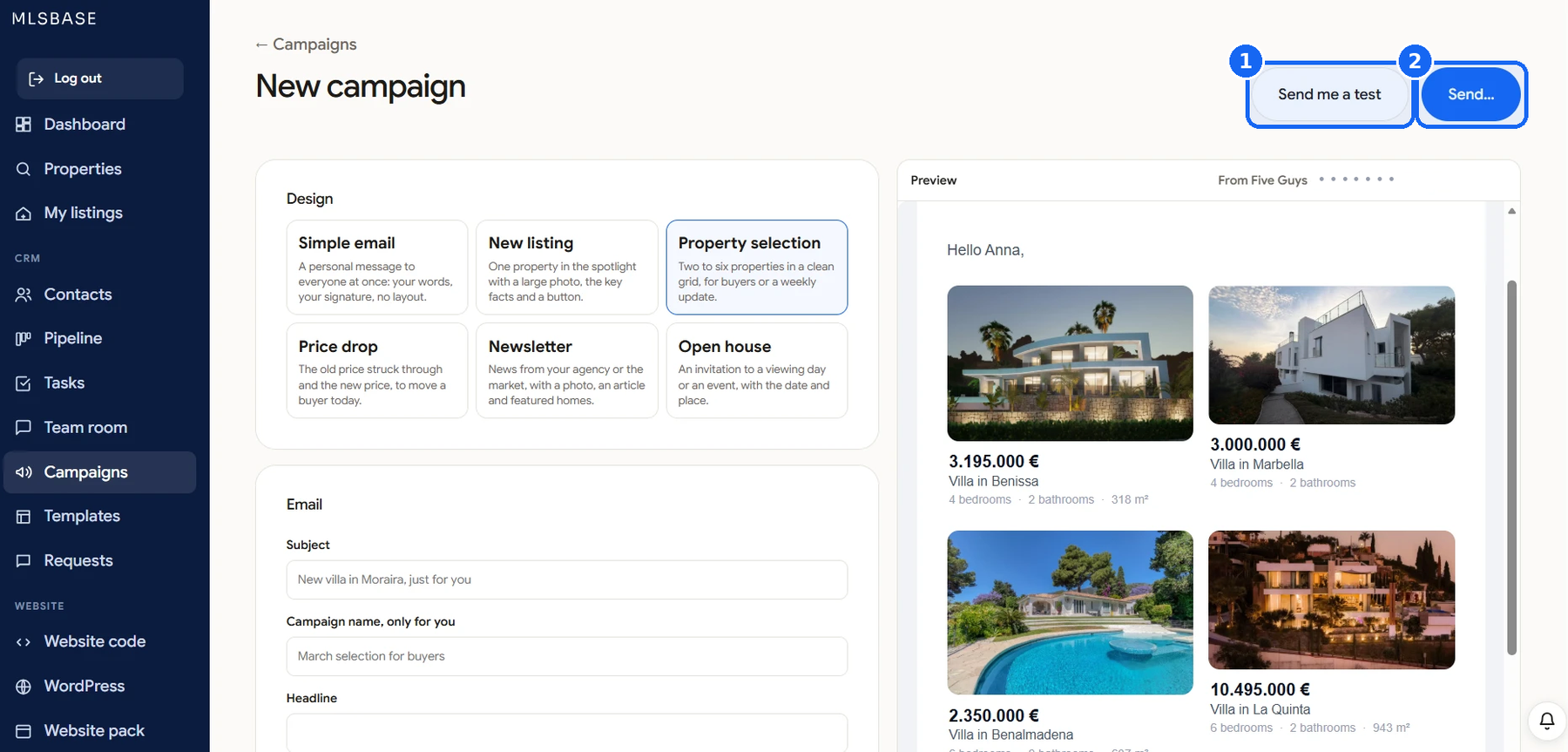
Good to know
Campaigns go out with your name, and replies come to your email.