

Help / Properties
Send a property to a buyer
Share a page that looks like a real portal listing, with your name and WhatsApp.
-
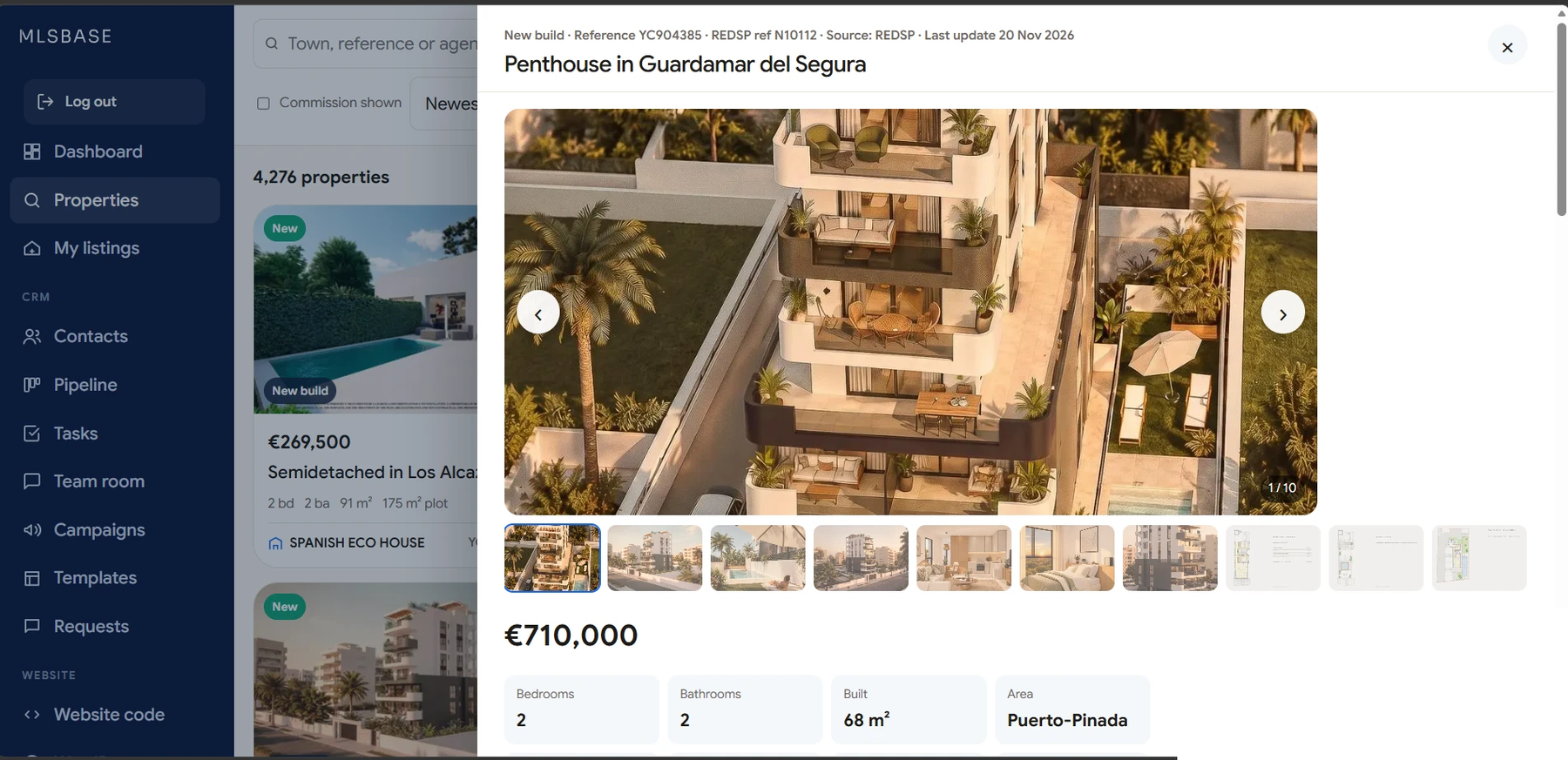
Open the property
In Properties click a property to open its panel.
-
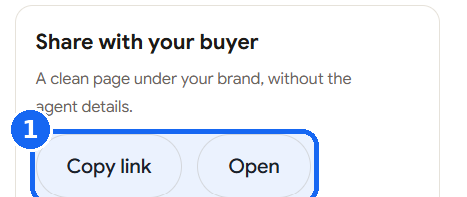
Copy the buyer link
Find Share with your buyer. Click Copy link to send it by email or WhatsApp, or Open to see what the buyer sees.
-
What the buyer sees
A page with a photo grid, price, facts, description, map, a payment calculator and a contact card with your WhatsApp and phone.
-
The buyer writes to you
When the buyer sends the form, the enquiry goes to your email and the buyer appears in your Contacts.