

Aiuto / Proprietà
Add your own property
Put your own listings on your website, in your feed and in front of your buyers.
-
Open My listings
Click I miei annunci in the left menu, then Aggiungi proprietà. Only the agency owner or an admin adds and changes properties.
-
Add many at once
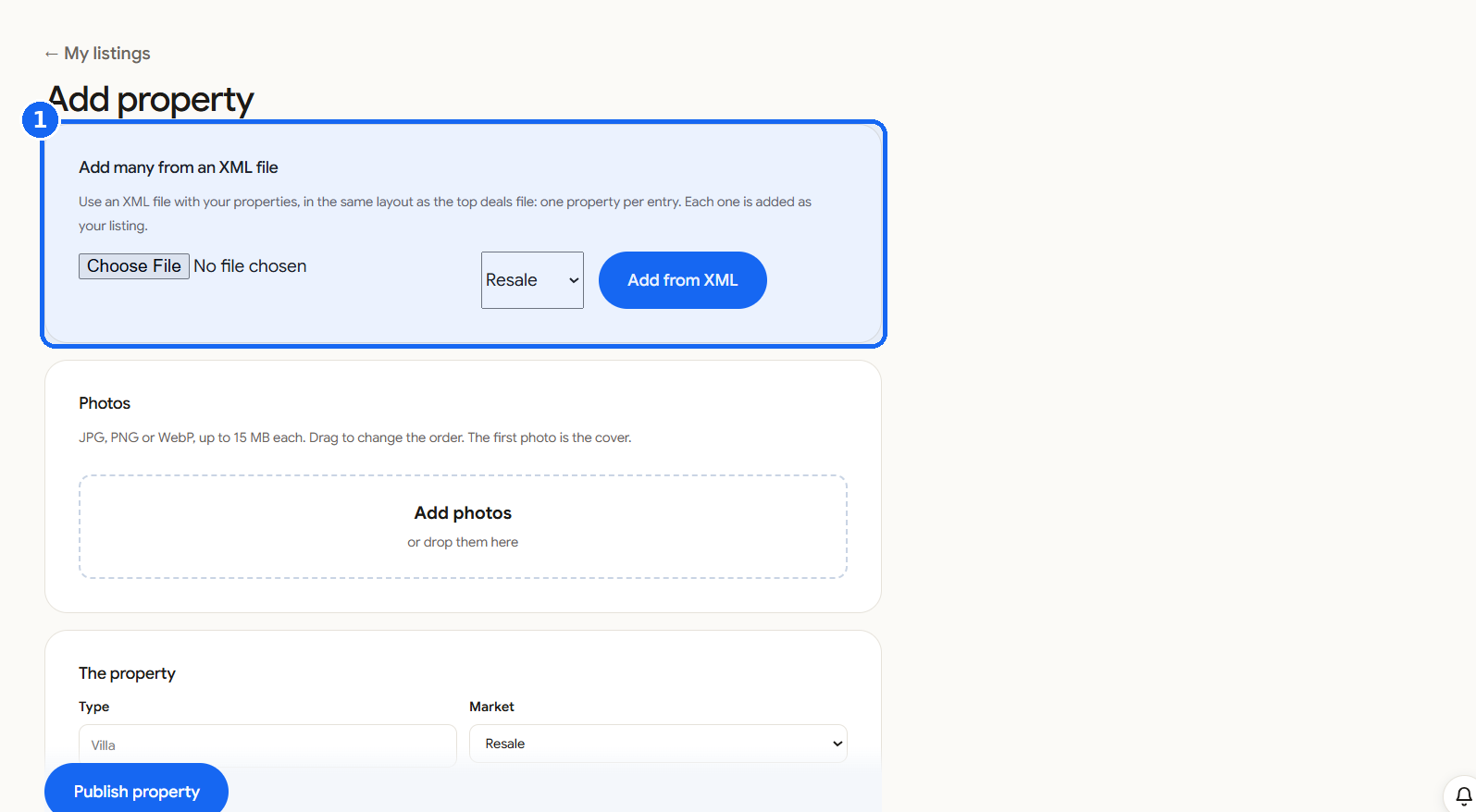
Have an XML file of your properties? Under Aggiungi molte proprietà da un file XML choose the file, pick Rivendita or Nuova costruzione, and click Aggiungi da XML. Each entry becomes one of your listings.
-
Aggiungi foto
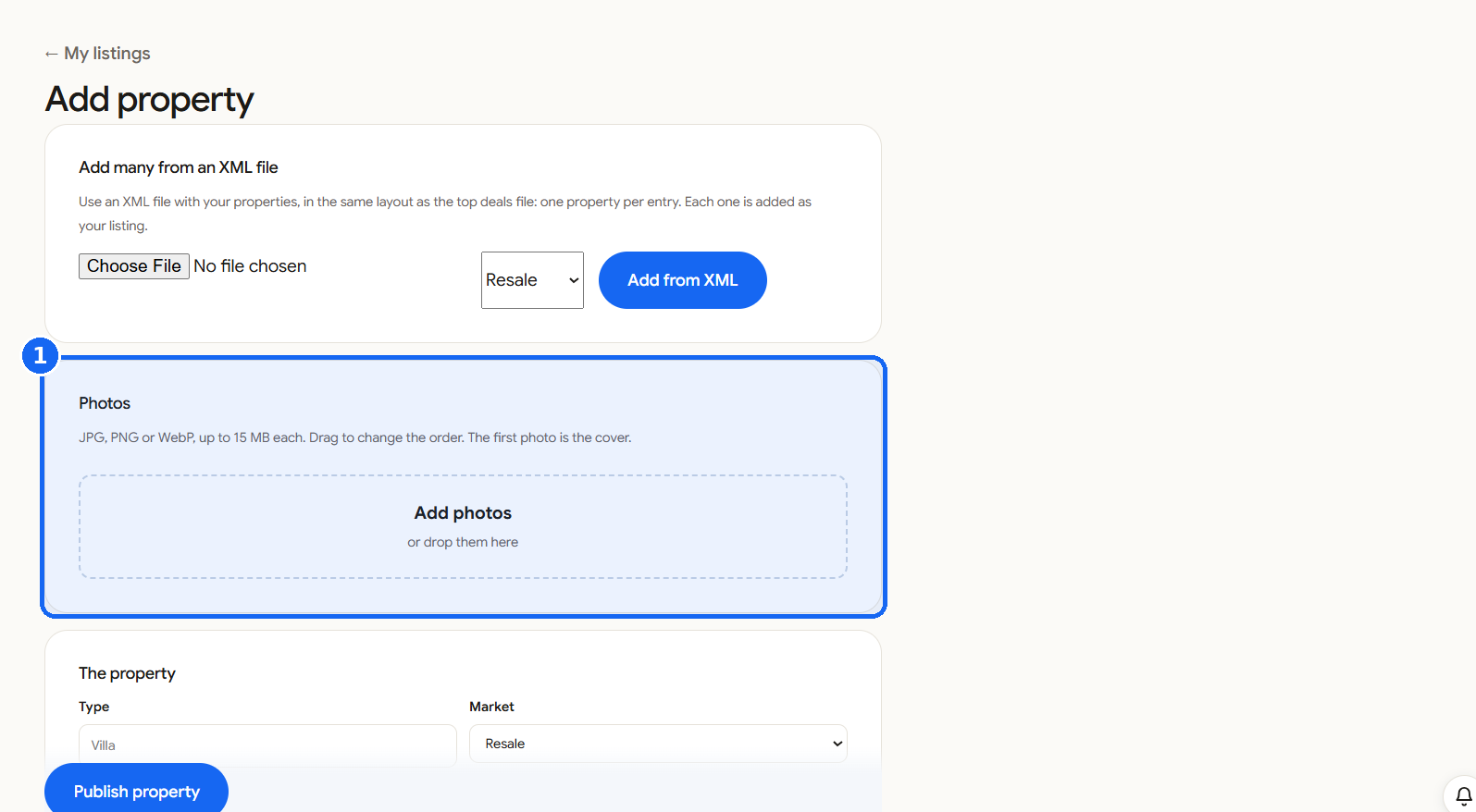
Click Aggiungi foto or drop them in the box. JPG, PNG or WebP, up to 15 MB each. Drag to change the order: the first photo is the cover.
-
Describe the property
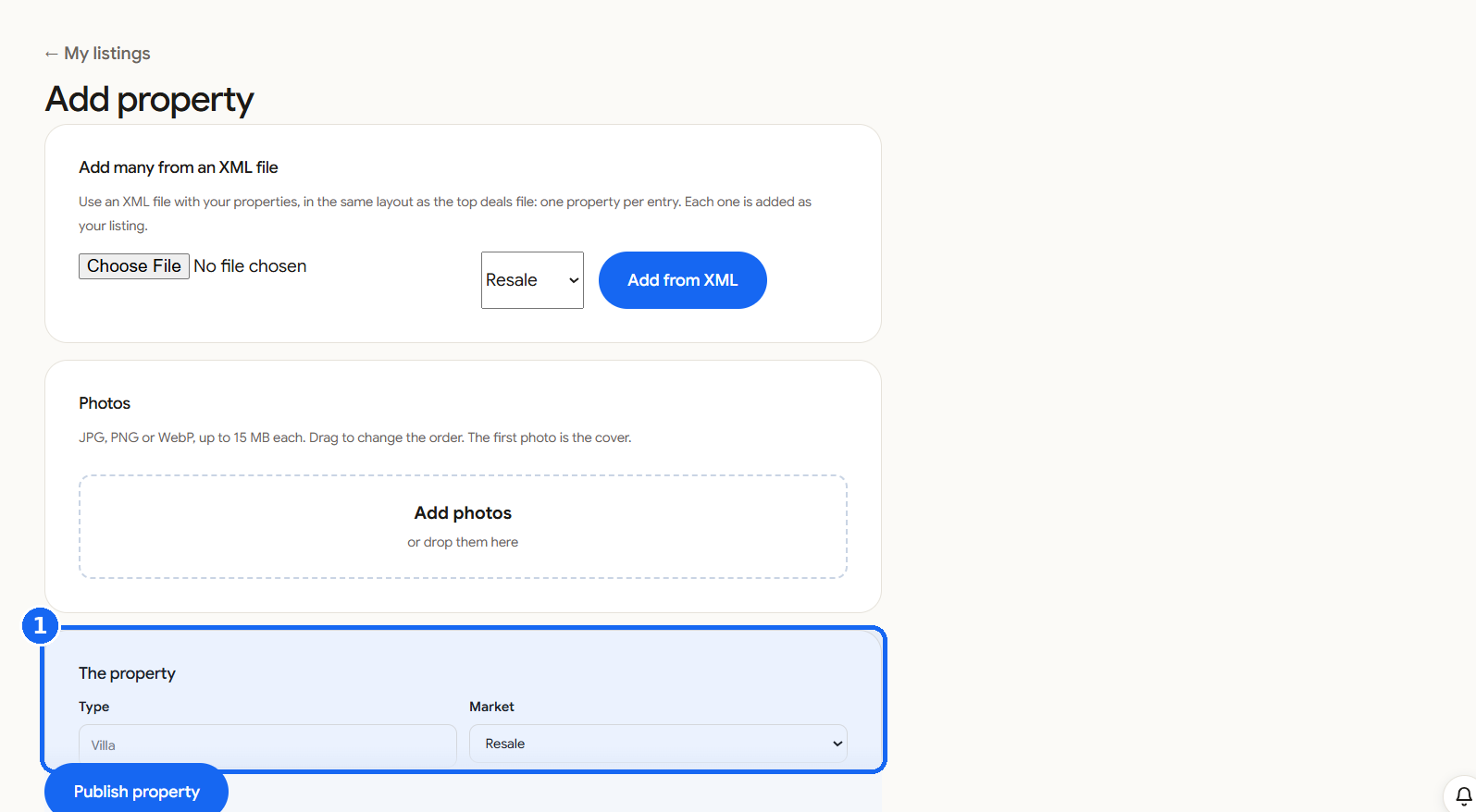
Under La proprietà choose the Tipologia (for example Villa) and the Mercato. Add the Città, the Zona o urbanizzazione, the Provincia, the Prezzo, the Camere da letto and Bagni, and the Costruito and Terreno sizes in m². Open Exact place on the map if you want to set it (optional). A Title is optional, then write the Descrizione.
-
Set the sharing
Under Condivisione the property is shared with the MLSBASE network: other members can sell it with you and see your contact as the listing agent. Enter the Commissione per gli agenti che collaborano (for example 3%), your own reference if you use one, and the Stato.
-
Pubblica
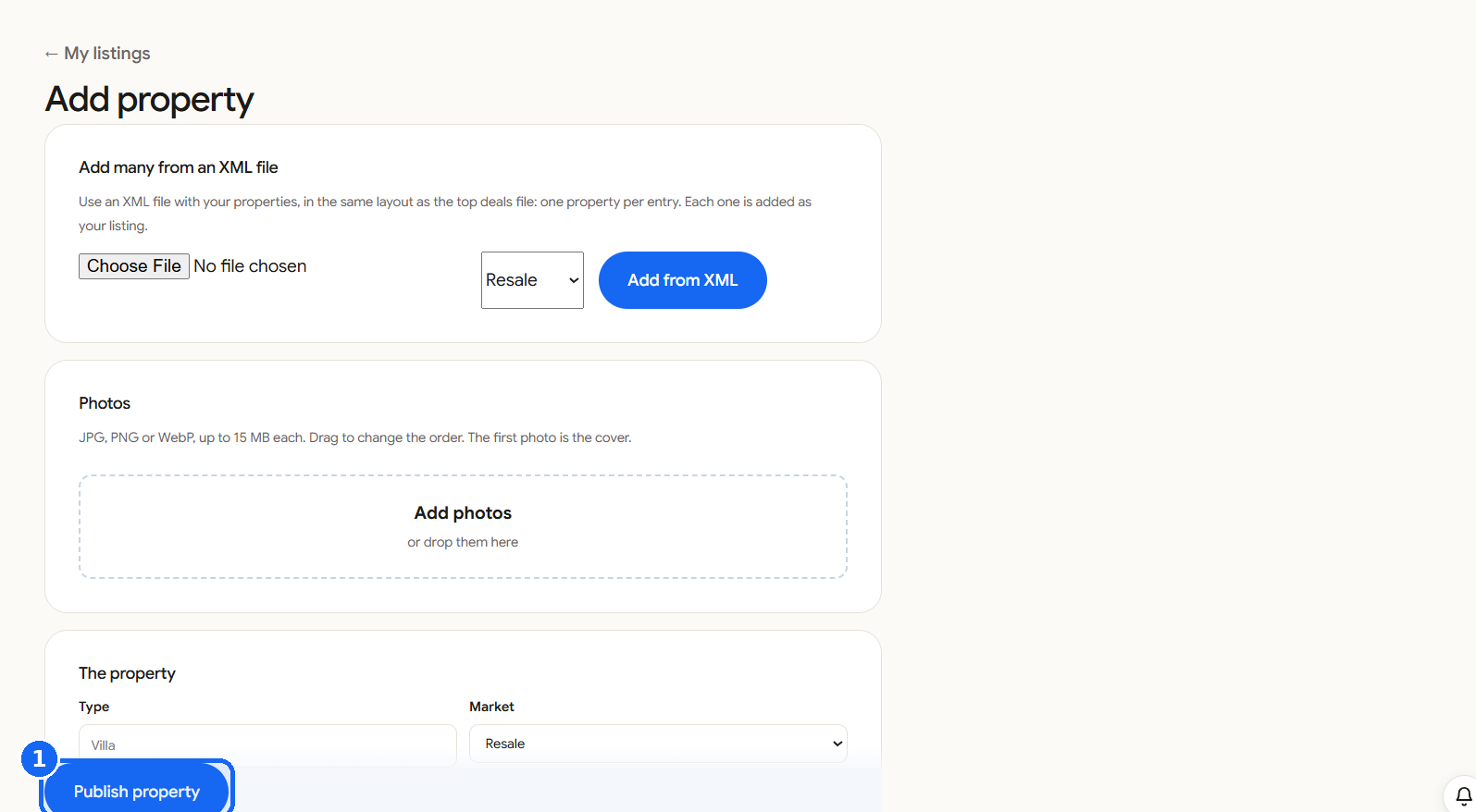
Click Pubblica la proprietà. It shows on your website and in your feed, and members of the network can find it.
Every property you add is shared with the network, with you as the listing agent. Set a Status other than Published while you are still working on it.