
Aide / Team
Invite your team
Add colleagues to your agency account.
-
Open Team
Click Team under Account in the left menu.
-
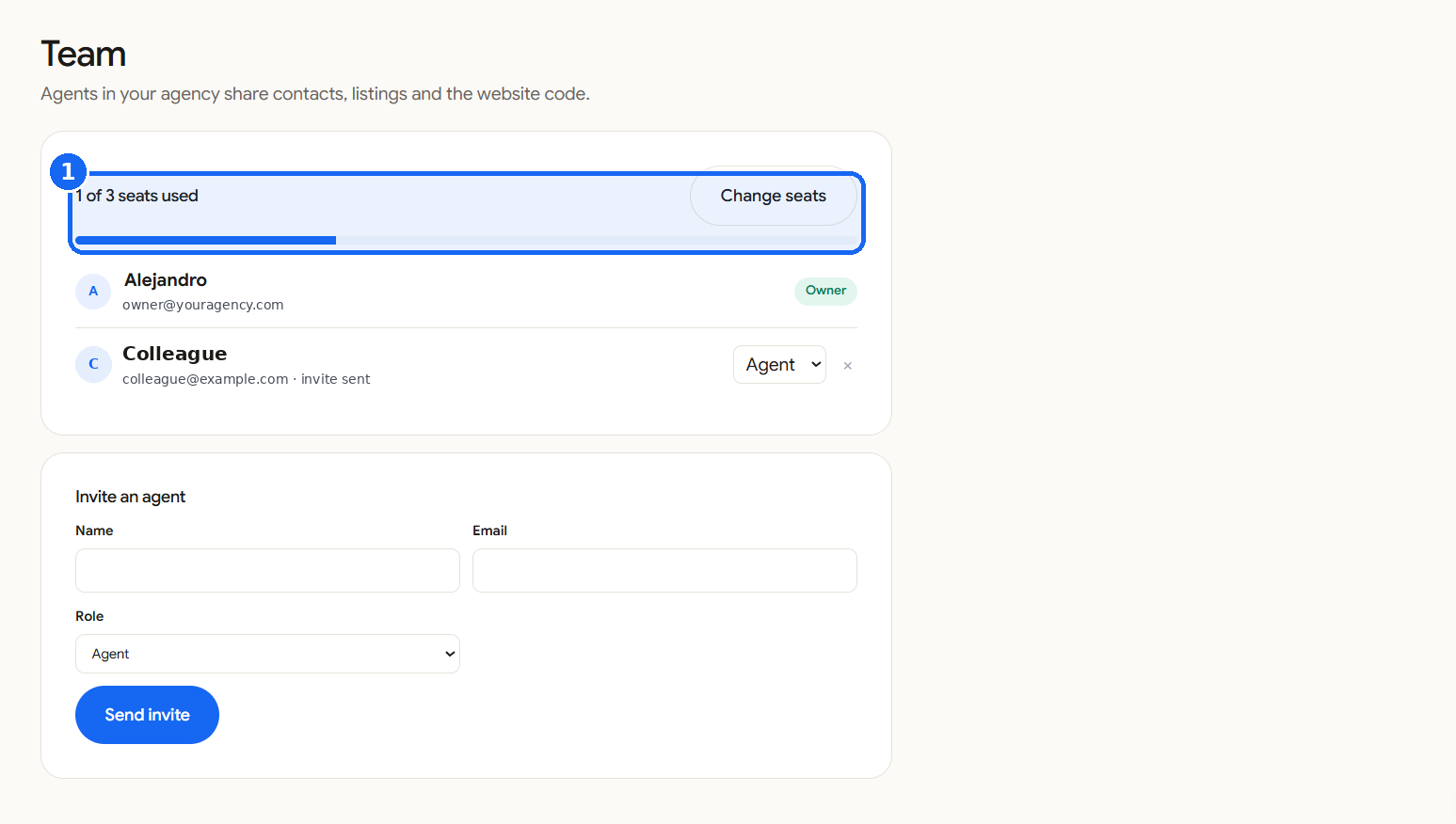
Check your seats
The page shows how many seats you use. The Agency plan includes 3 agents.
-
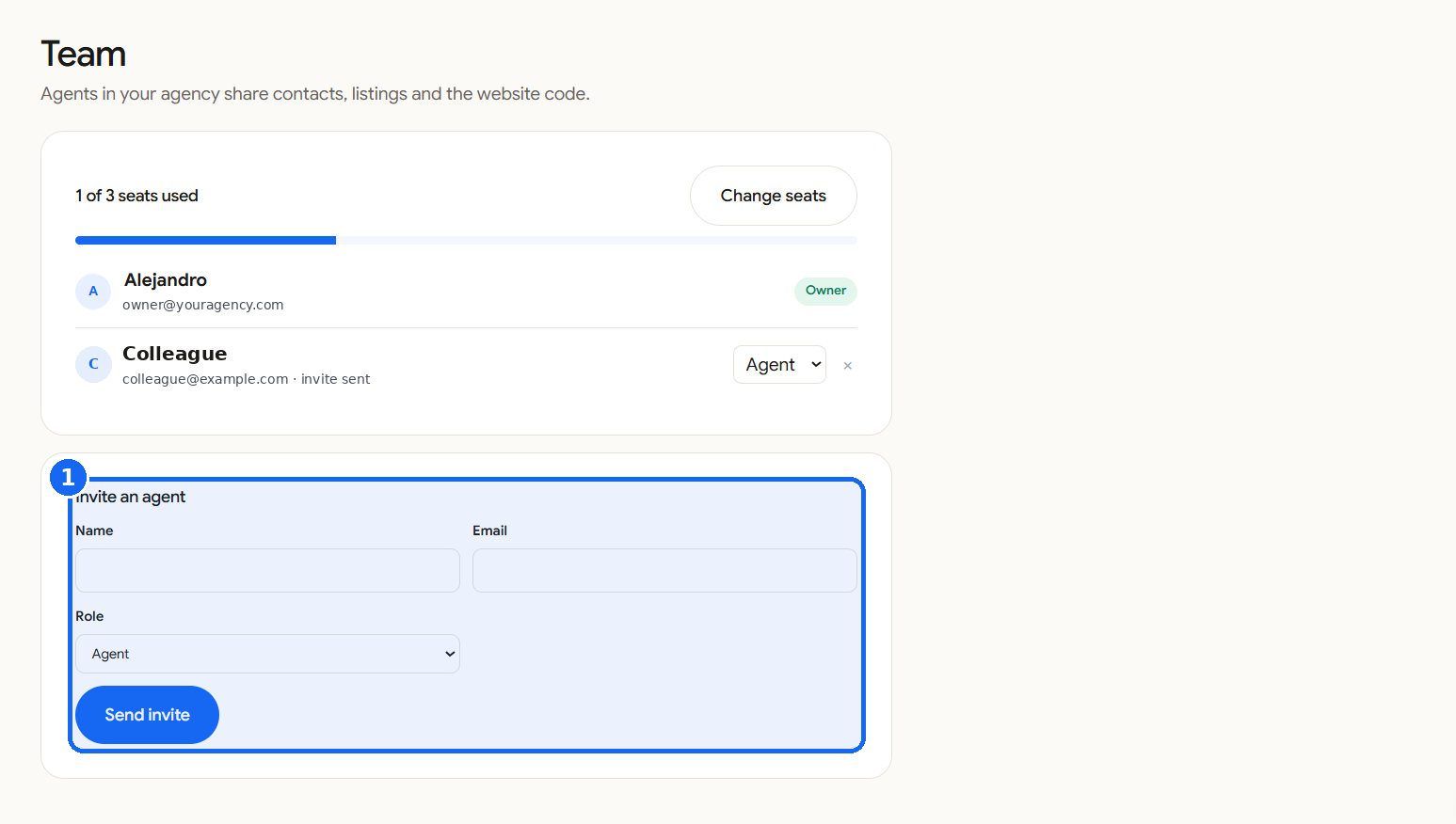
Invite an agent
Enter the name and email, choose a role and send the invite. The new agent gets an email.
-
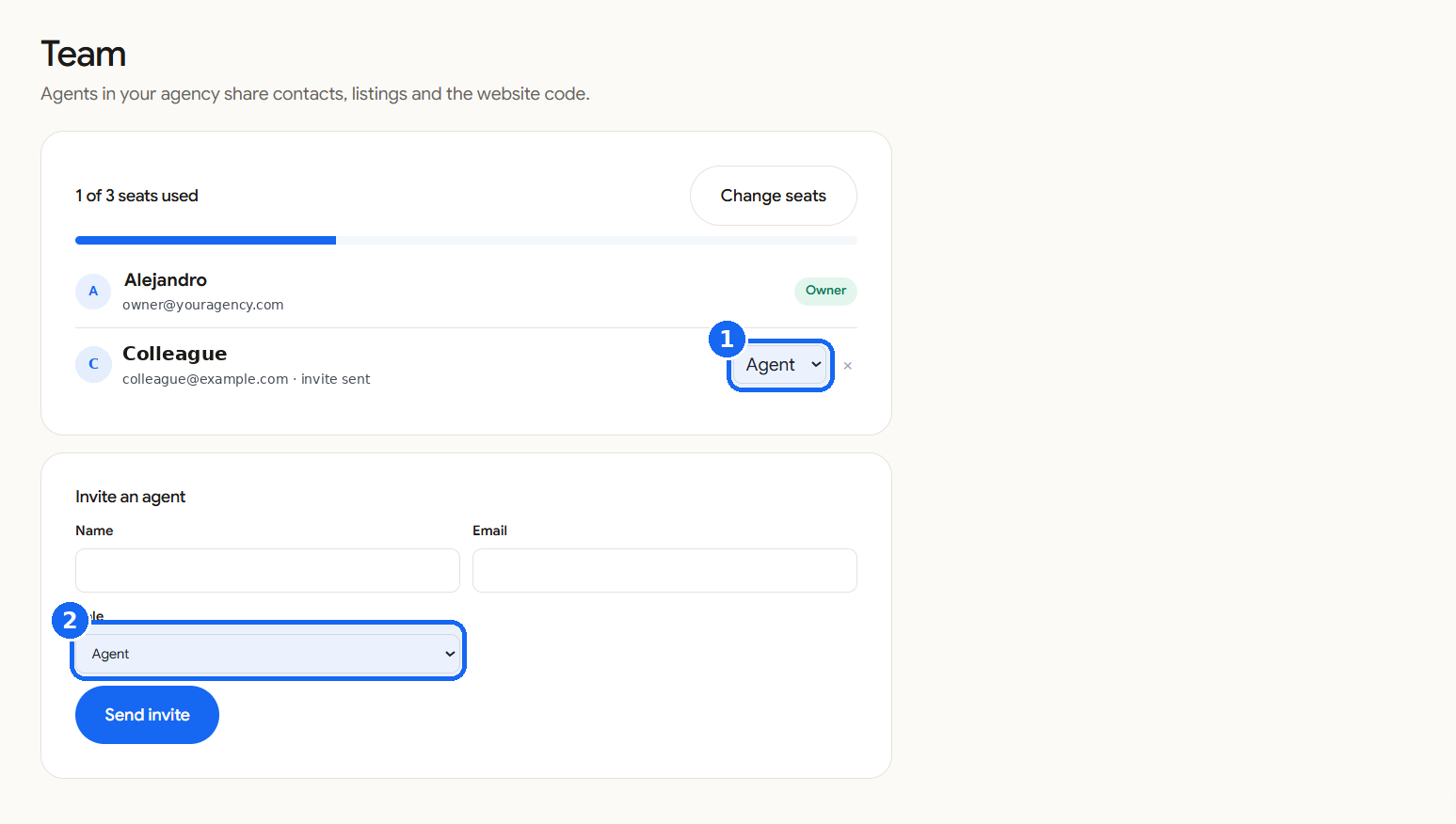
Roles
Owners and admins can add or change properties. Other agents can browse and share them.