

Hilfe / CRM
Use email templates
Ready-made emails for every step of a sale, in your own words.
-
Open Templates
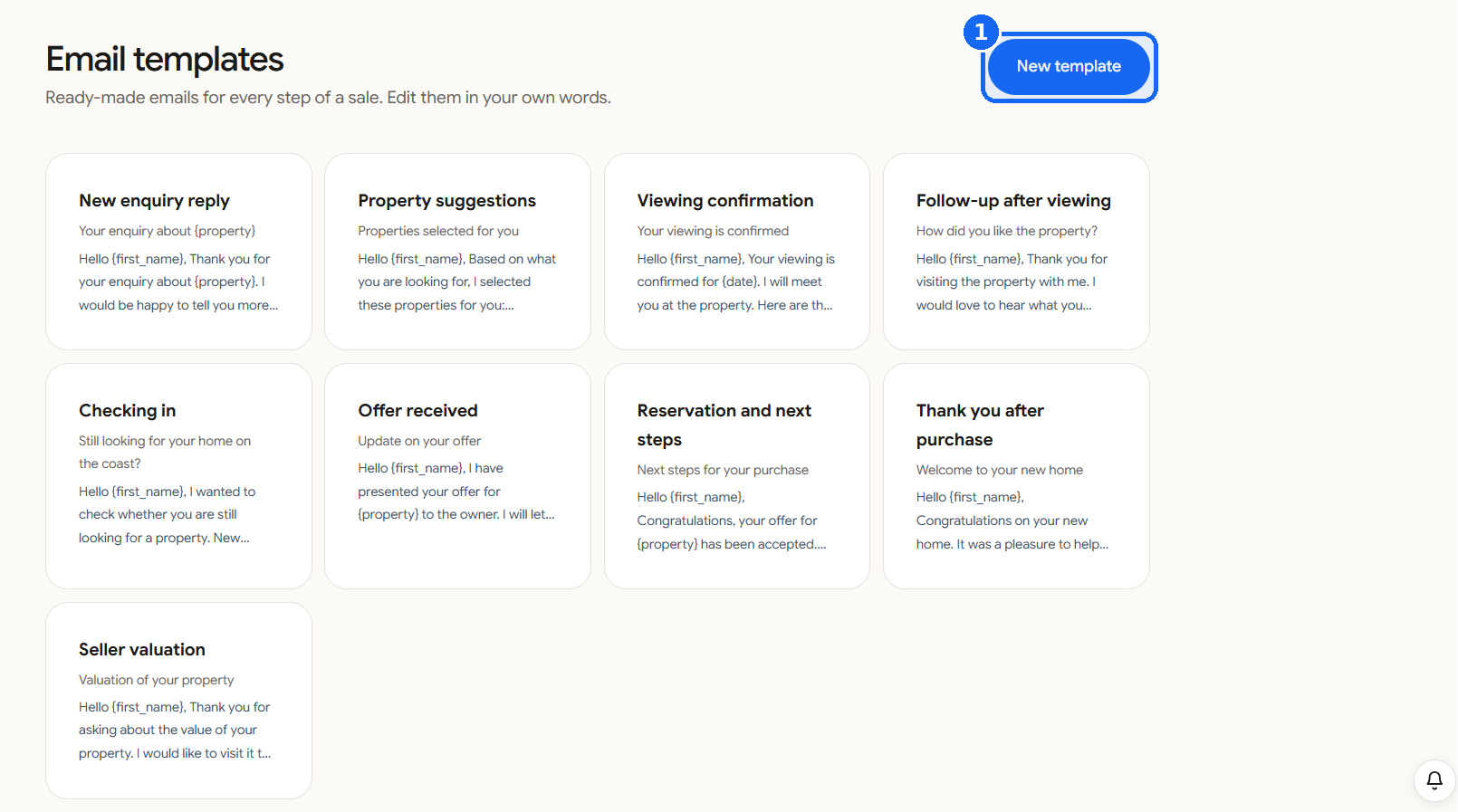
Click Templates in the left menu. You see ready-made emails: New enquiry reply, Property suggestions, Viewing confirmation, Follow-up after viewing, Checking in, Offer received, Reservation and next steps, Thank you after purchase and Seller valuation.
-
Edit them
Open a template and change the words so it sounds like you. Names such as
{first_name}and{property}fill in by themselves for each contact. -
Make your own
Click New template to save an email you send often.
-
Use one
On a contact, click E-Mail, choose a template from the list, check the text and send.