

Помощь / Your website
Build your website on WordPress
Install the MLSBASE plugin and theme and your site has Home, Properties, Map and Contact pages.
-
Open WordPress
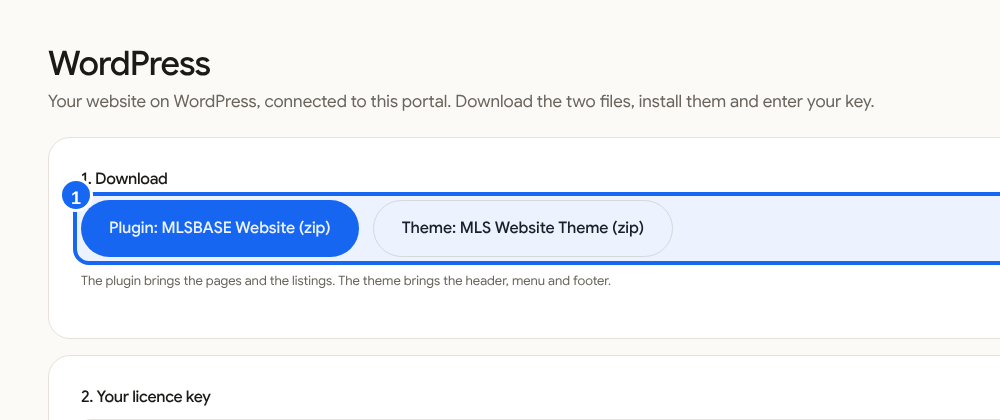
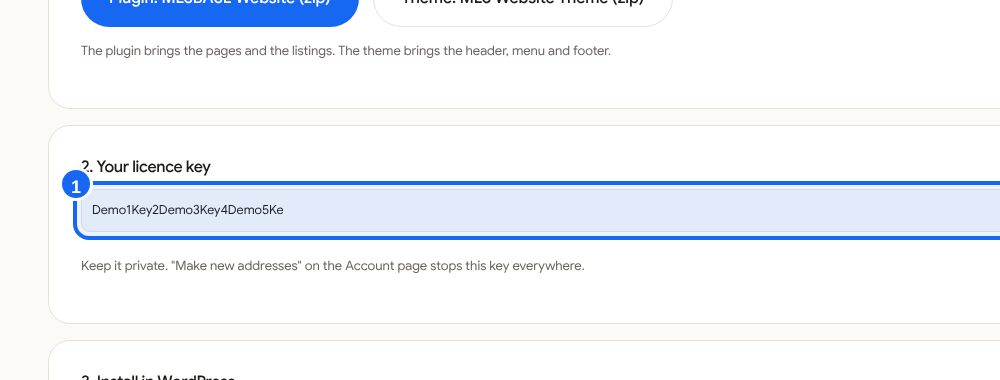
Click WordPress in the left menu. Download the plugin and the theme (two zip files) and copy your licence key.
-
Install the plugin
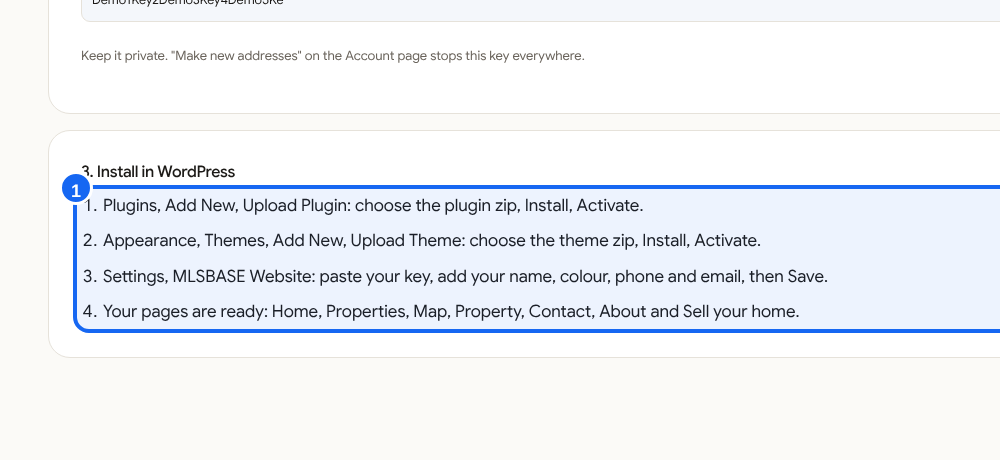
On your WordPress site go to Plugins, Add New, Upload Plugin. Choose the plugin zip, Install, Activate.
-
Install the theme
Go to Appearance, Themes, Add New, Upload Theme. Choose the theme zip, Install, Activate.
-
Enter your key
Open Settings, MLSBASE Website. Paste your key, add your name, colour, phone and email, then Save.
-
Your pages are ready
Home, Properties, Map, Property, Contact, About and Sell your home.
Good to know
Keep your licence key private. If it leaks, make new addresses on the Settings page and the old key stops working.