

Помощь / Getting started
Set up your brand
Add your logo, colour, phone and WhatsApp so every page your buyers see looks like yours.
-
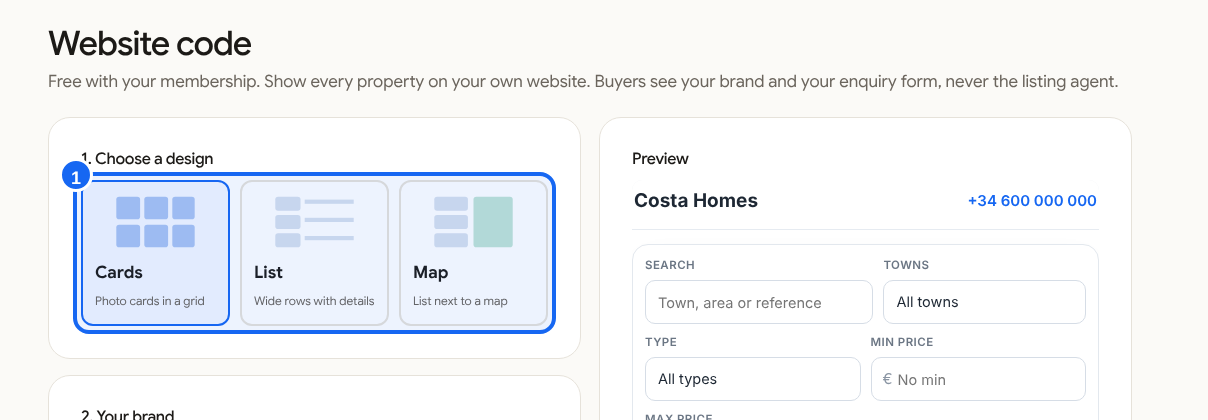
Open Website code
In the left menu click Website code. It holds your design, your brand and what to show.
-
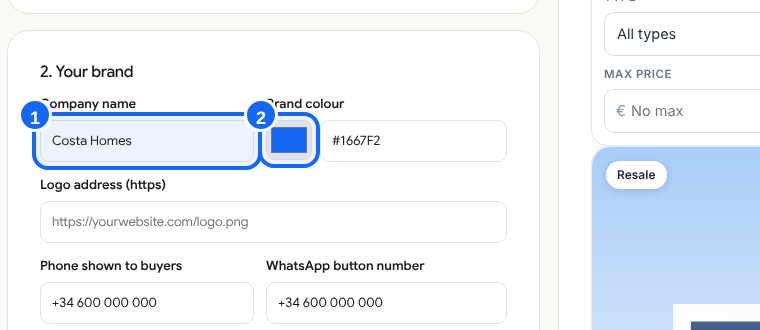
Fill in "2. Your brand"
Add your company name, a brand colour and the address of your logo (it must start with https). Add the phone number buyers can call and your WhatsApp button number.
-
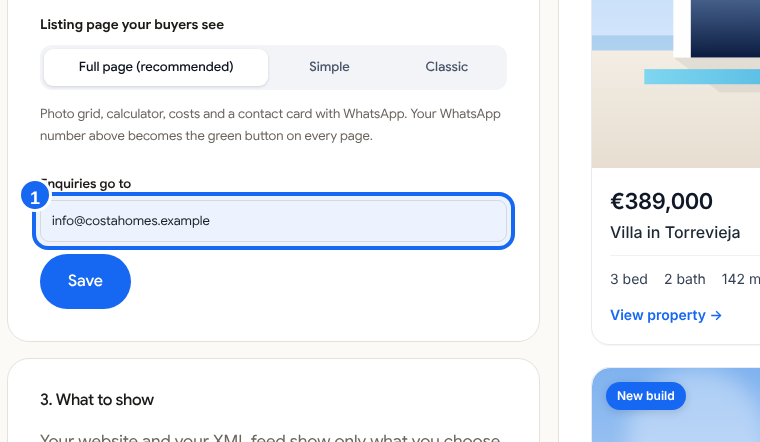
Choose where enquiries go
Type the email that should receive enquiries from buyers. Click Save.
-
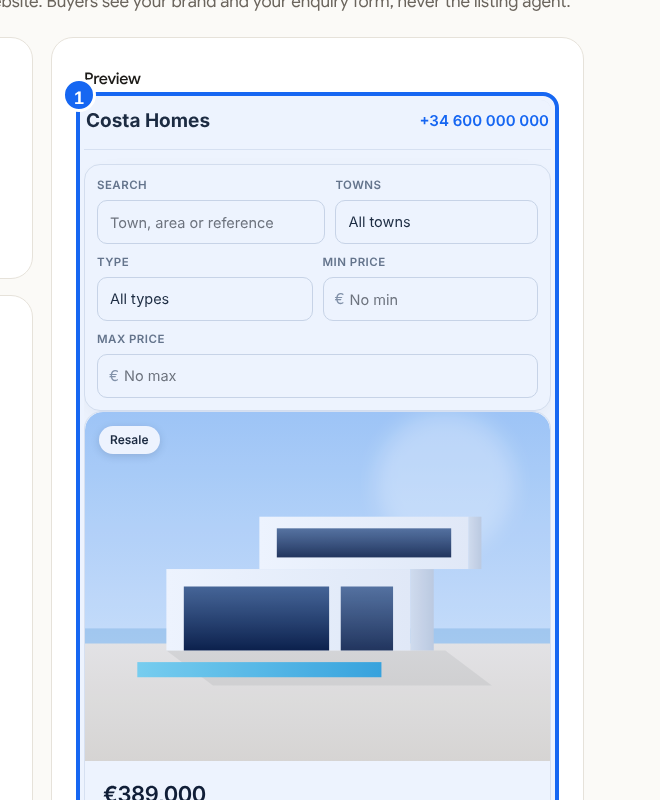
Check the result
The Preview on the right of the same page reloads with your logo and colour. What you see is what a buyer sees.
Good to know
Your WhatsApp number becomes the green WhatsApp button on every listing page you send.