
Help / CRM
Follow up with the pipeline
Move deals from new to won and never miss a follow-up.
-
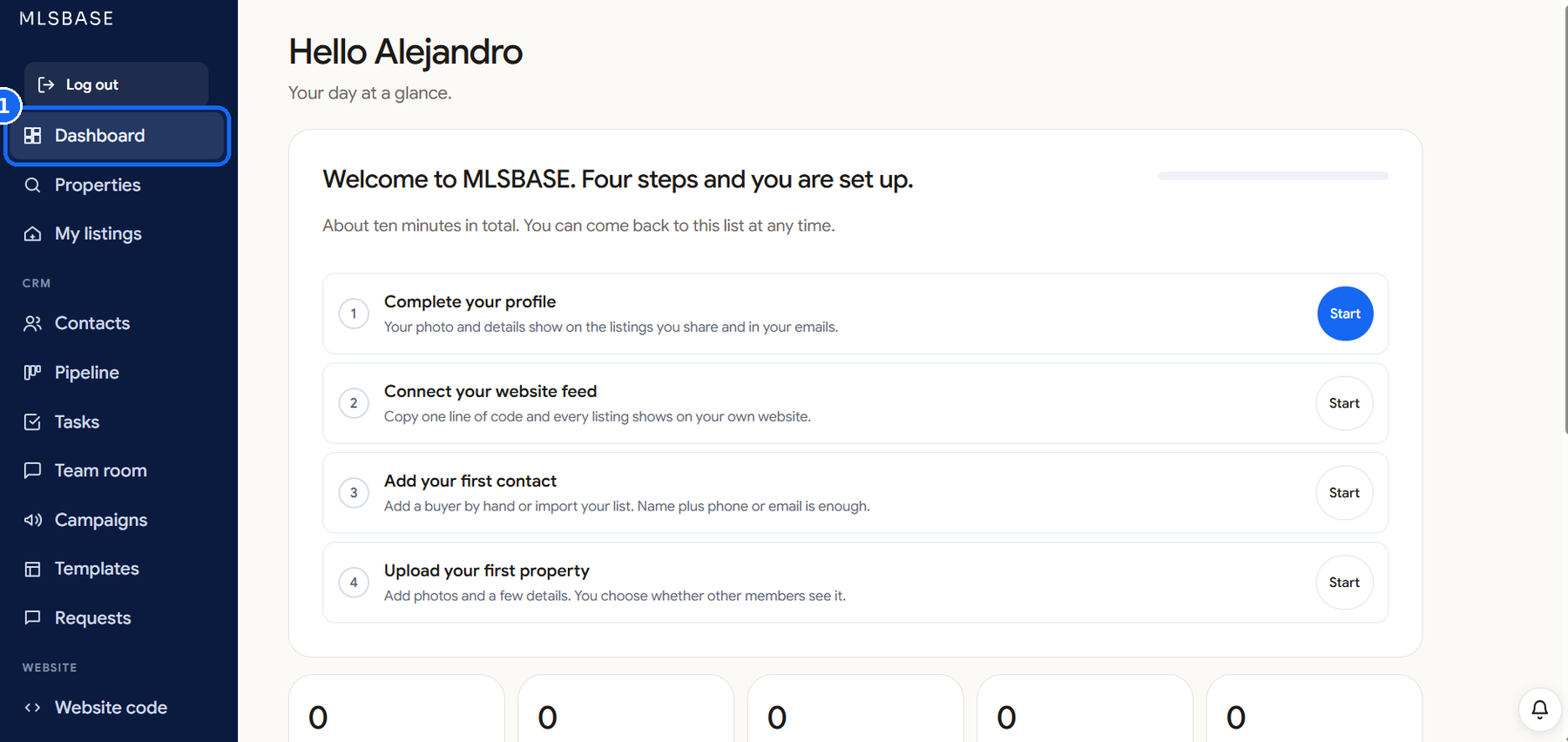
Open Pipeline
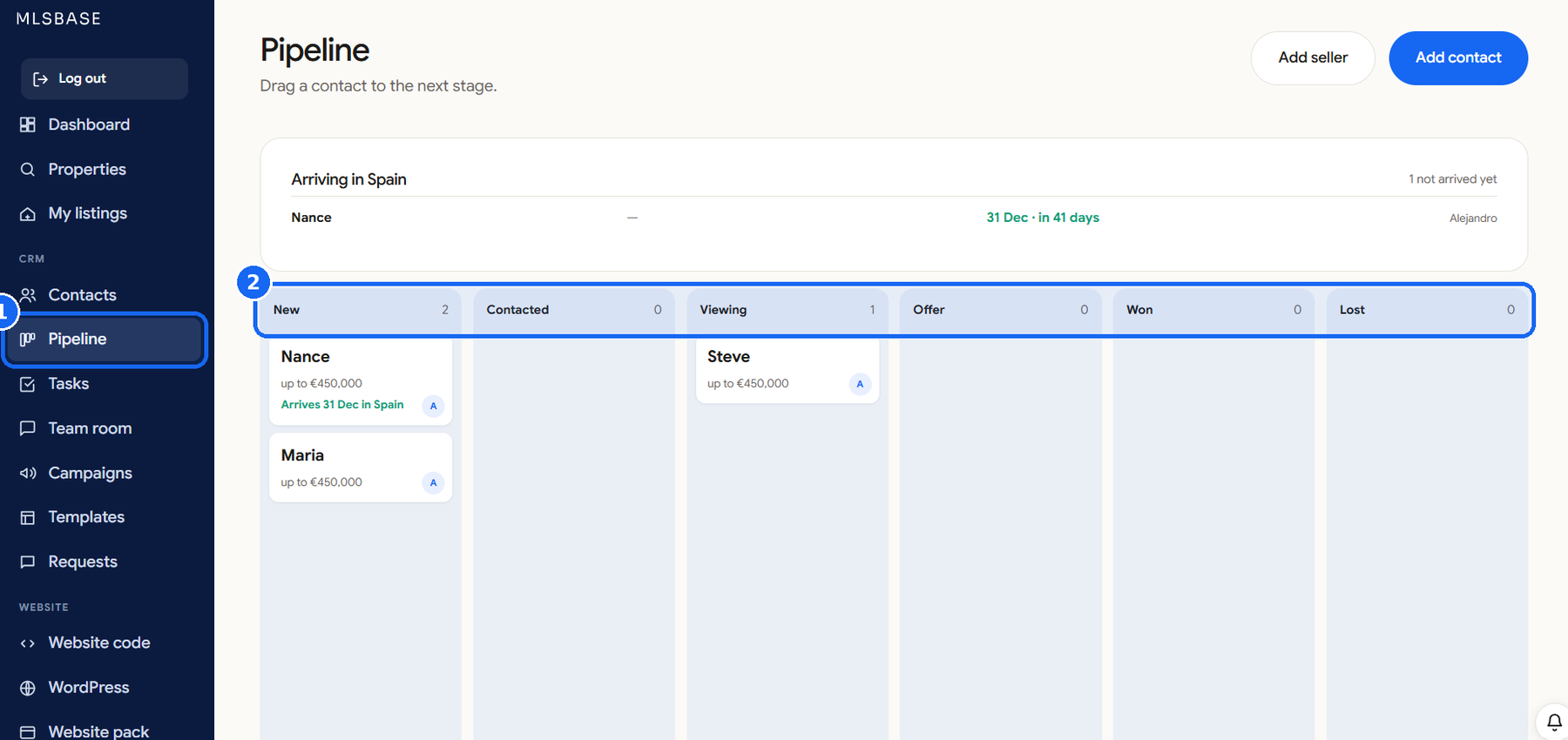
Click Pipeline. Each column is a stage and each card is a contact.
-
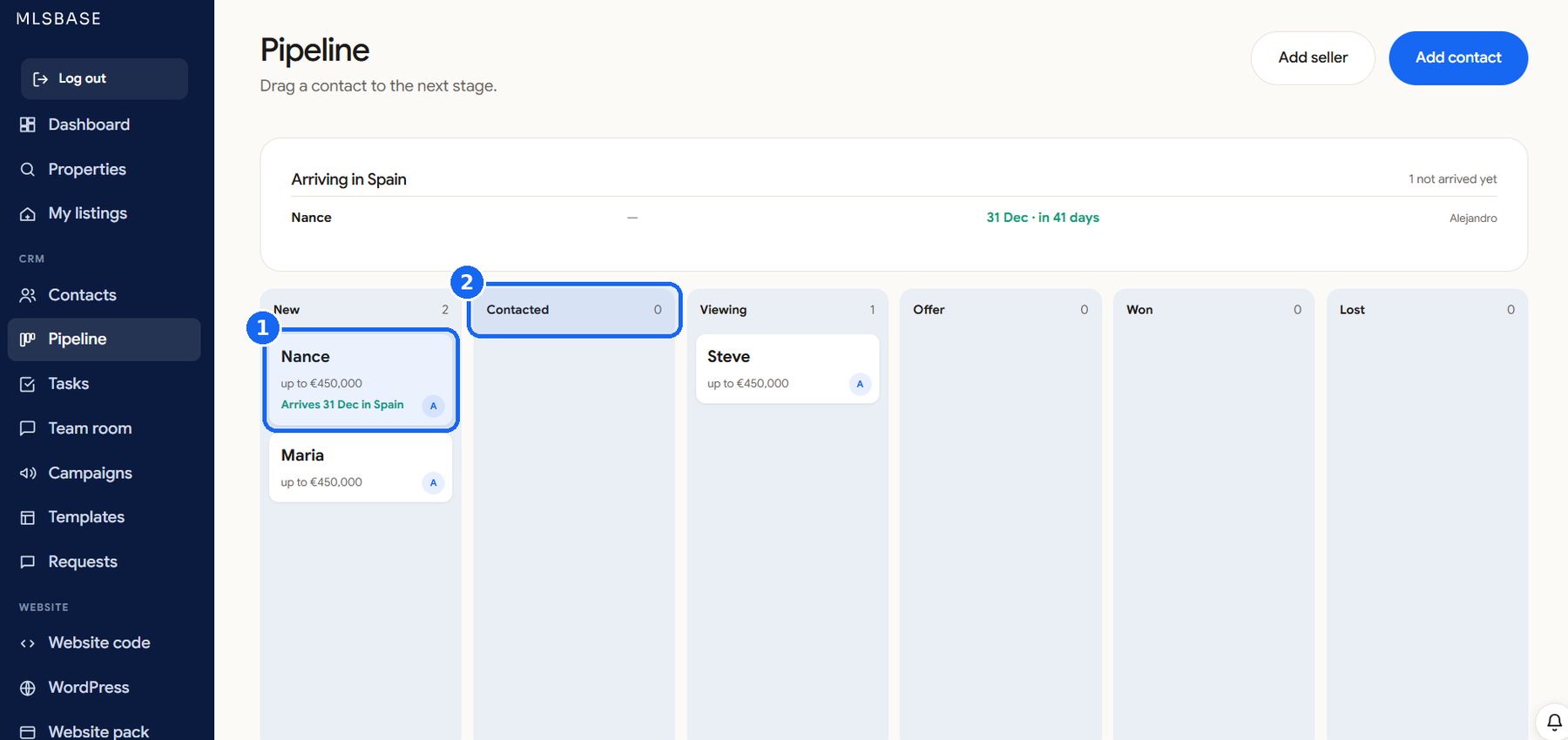
Move a contact
Drag a card to the next stage when something happens.
-
Add a task
On a contact, add a task with a date. It shows on your Dashboard under Next tasks.
-
Check the day
Open the Dashboard each morning to see tasks due today and new contacts.